PACKAGE 12.3.0
NuGet
Add Whoopi to your app.
The .NET 8 framework package, available directly from the NuGet Gallery.
Get the package ↗A retained composition engine. An expressive .NET framework.
Your code, rendered with intention.

Install the framework. Set up your editor.
Explore the source.
The .NET 8 framework package, available directly from the NuGet Gallery.
Get the package ↗Syntax highlighting, snippets and project templates with the Whoopi UI extension for VS Code.
Get the extension ↗Browse the framework, explore samples and follow development in the Whoopi UI repository.
Explore the repository ↗dotnet add package Whoopi --version 12.3.0Retained composition, precise invalidation, and expressive materials. Explore what happens behind every frame.
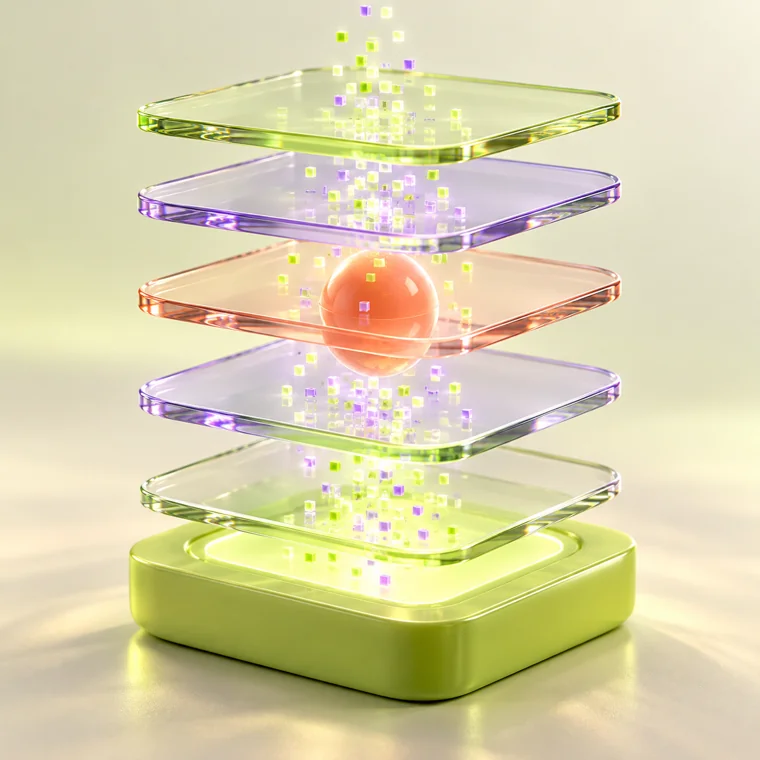 COMPOSITION / STUDY
A retained composition engine with configurable refresh targets and an independent render thread.
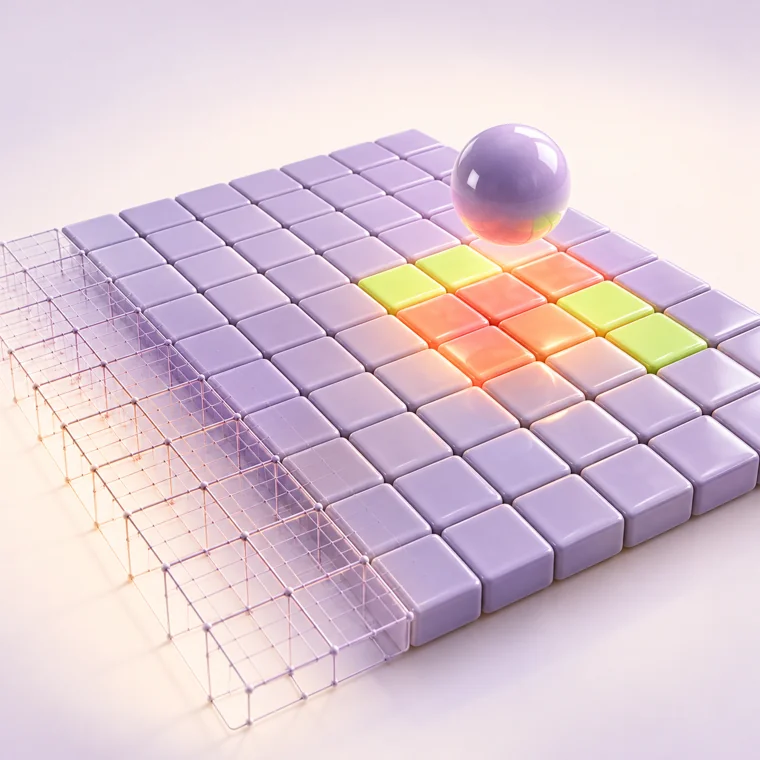 PRECISION / STUDY
Track up to 16 independent dirty regions. Focus rendering work on the parts of your interface that change.
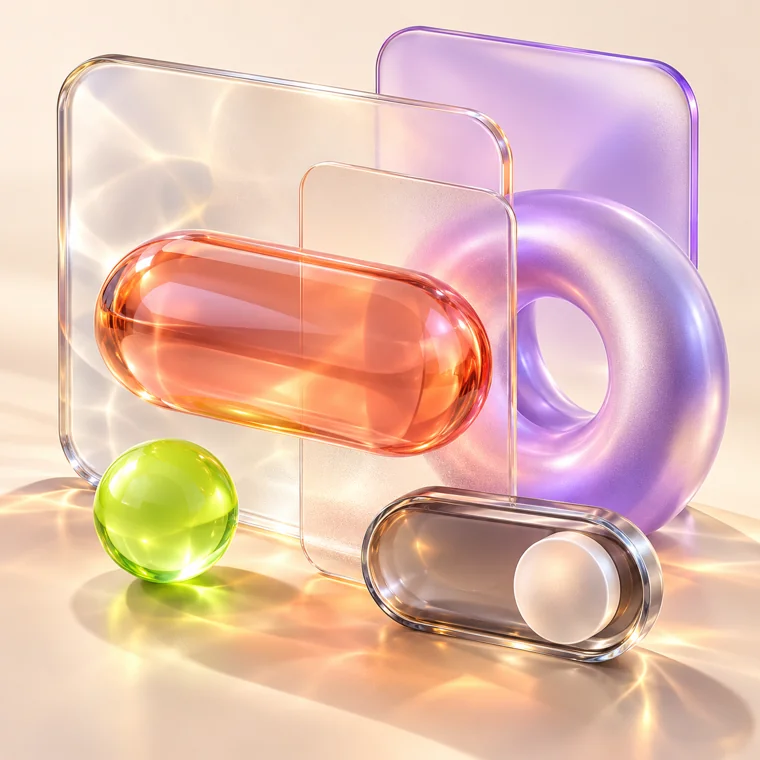 MATERIALS / STUDY
Build with XAML, Fluent themes, and expressive styles. Explore glass effects and Mica on supported platforms.
Change the palette. Tune the motion.
See how a different choice changes the feeling.
Choose a rendering profile at startup or switch at runtime. Match your app to the moment.
For live telemetry, trading interfaces, and high refresh rate displays.
Profile specifications from Whoopi v12.2.999 documentation. Actual performance depends on hardware, workload, and display capability.
Light that follows your hand. Lines that find their rhythm. A canvas with a little curiosity of its own.
Interactive art rendered in your browser. A visual exploration of graphics concepts, not a Whoopi engine benchmark.
Compiled markup and strongly typed bindings.
XamlX + RoslynRetained layout, styles, and control state.
Whoopi.Base + ControlsBatched updates and region aware clipping.
Server CompositorHardware accelerated GPU rasterization.
Skia graphics backendFamiliar C#. Expressive XAML.
A rendering profile that fits your vision.